
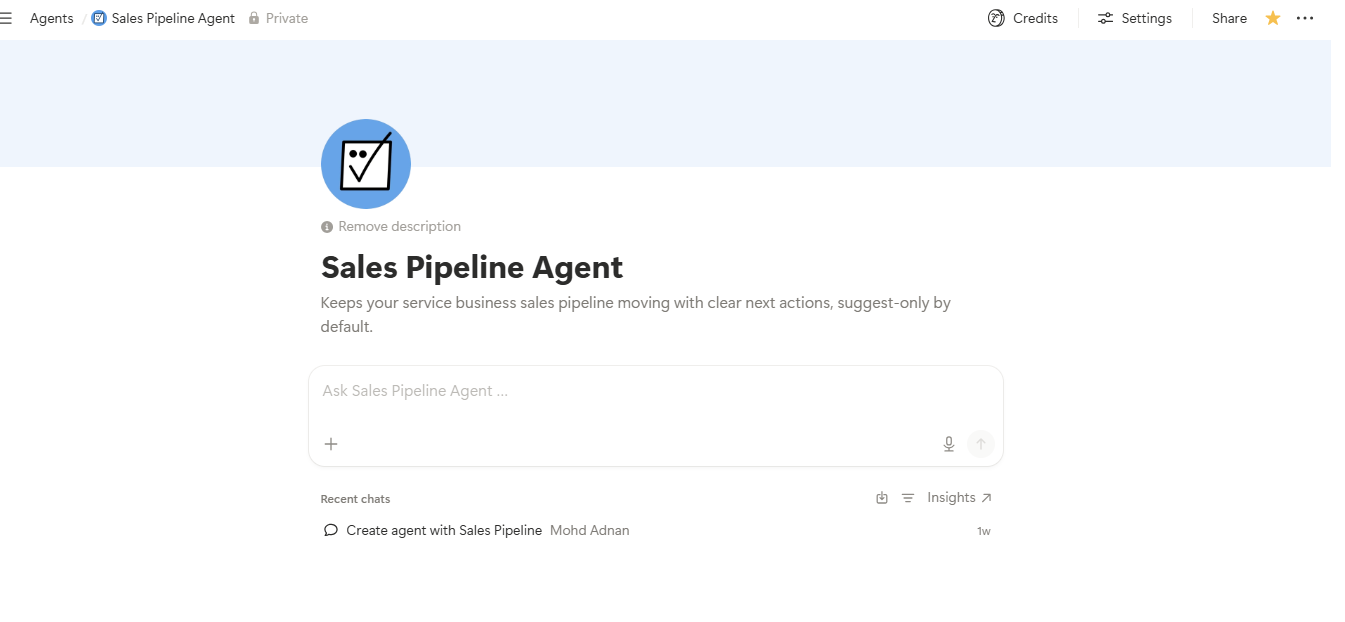
AI agents are most useful when they have a clear job, the right workspace context, and sensible limits. In Notion, a custom agent can help with recurring work such as reviewing a sales pipeline, checking project health, or finding an answer across team knowledge.
Here are five Notion custom agents from Productive Club, each suited to a different part of running a small business. They are not one-size-fits-all: choose the one that matches the work your team repeats most often.
1. Business OS Assistant — best for an operations overview
The Business OS Assistant helps founders and small teams turn information already stored in Notion into a clearer view of what is happening and what needs attention.
It can help plan projects, turn meeting notes into action items, review business activity, and prepare weekly updates across areas such as projects, tasks, clients, and KPIs. It is most useful when those records are connected and kept reasonably current.
Try it when: you spend too much time searching through different databases before you can decide what to do next.
View the Business OS Assistant
2. Sales Operations Assistant — best for keeping deals moving
A sales pipeline is only useful when the team can see which opportunities need attention and what the next step should be. The Sales Operations Assistant reviews deal information, surfaces stalled or at-risk opportunities, summarizes activity, and recommends follow-ups.
It can help a team prepare for a pipeline review without treating every deal as equally urgent. Its recommendations depend on the deal details and activity recorded in your workspace.
Try it when: follow-ups are easy to miss, or pipeline reviews rely on someone manually checking every record.
View the Sales Operations Assistant
3. Client Operations Assistant — best for client follow-through
The Client Operations Assistant focuses on CRM and customer work. It can review client records and notes, summarize recent activity, identify overdue follow-ups, suggest next actions, and help keep CRM information organized.
That makes it useful after a client meeting or when an account owner needs to understand the current state of a relationship before responding. Connect it only to the client information it needs, and review suggested record changes.
Try it when: client context is spread across notes and records, or handoffs leave people unsure who should follow up.
View the Client Operations Assistant
4. Project Manager — best for project health checks
The Project Manager agent reviews project status, tasks, deadlines, blockers, and recent activity. It can produce a structured update with attention items, next priorities, and decisions that need your input. It can also make low-risk updates when the workspace clearly supports them, while flagging consequential changes for approval.
This is a practical fit for teams managing several active projects who want a regular check-in without relying on a meeting to discover every delay.
Try it when: project risks surface late, deadlines are scattered, or status updates take too much manual chasing.
5. Slack Q&A Agent — best for answers across Notion and Slack
When decisions and instructions live in both Notion and Slack, people can lose time searching each separately. The Slack Q&A Agent searches both sources, provides links to the material it used, and flags conflicting information or gaps it cannot verify.
It is designed to answer and cite, not to change workspace content or send Slack messages. That makes it useful as a read-only starting point for repeat questions about processes, project context, or team decisions.
Try it when: the same questions keep coming up and the answer may be in either your documentation or past team discussions.
Which agent should you start with?
Start with the repeated task that costs your team the most time:
- For an overall business check-in, try Business OS Assistant.
- For stalled opportunities, try Sales Operations Assistant.
- For client follow-ups and handoffs, try Client Operations Assistant.
- For project risks and deadlines, try Project Manager.
- For questions spread across Notion and Slack, try Slack Q&A Agent.
A good setup matters
An agent is only as useful as the workspace context and access it receives. Connect the relevant databases or Slack workspace, check its permissions, and test it on a real but low-risk task. Review its sources and suggestions before relying on important updates or decisions.
These agents support a workflow; they do not replace clear ownership, accurate records, or human judgment.
Explore more from Productive Club on the Notion Marketplace.