
AI is most useful when it has a clear job to do.
A general chatbot can help you brainstorm, but recurring business work often needs more structure: review the pipeline, identify what needs attention, draft a response, or turn a process into instructions someone else can follow.
That’s what an AI Skill is designed to do. It gives AI a repeatable workflow for a specific task and, when relevant information is available in your Notion workspace, helps it use that context to produce a more useful result.
Here are five Notion AI Skills from Productive Club that can help with common business workflows.
1. Sales Pipeline Review Skill
A sales pipeline can look healthy at a glance while important deals are stalled, follow-ups are missing, or key details are unclear.
The Sales Pipeline Review Skill examines the sales information available in your Notion workspace and creates a concise review. It can highlight priority opportunities, deals that appear inactive, follow-ups that need attention, potential risks, and practical next actions.
It also calls out missing or unclear information instead of filling gaps with guesses. It doesn’t invent deal values or update your CRM records.
Useful when: You want a clearer view of which opportunities deserve attention and what to do next.
View the Sales Pipeline Review Skill in Notion
2. Weekly Business Review Skill
It’s easy to spend the week completing tasks without stepping back to see what changed across the business.
The Weekly Business Review Skill brings together relevant information from areas such as revenue, expenses, sales, clients, projects, tasks, team activity, goals, and marketing. Its review can include an executive summary, what happened, what’s going well, what needs attention, risks, decisions to make, and three to five priorities for the coming week.
The review is based on the information available in your workspace. If something important is missing, it can flag that rather than pretend the picture is complete.
Useful when: You want to begin the week with a practical summary of business activity and priorities.
View the Weekly Business Review Skill in Notion
3. Customer Support Reply Skill
Writing every support response from scratch takes time. Sending a quick reply without enough context can create a different problem: an inaccurate promise or an answer that misses the customer’s situation.
The Customer Support Reply Skill uses the customer message and relevant business context available in Notion to draft a clear, professional response. It can also show what context it used, suggest a next action, and identify information that should be checked first.
It’s designed to help prepare a reply—not send it for you. It won’t invent policies, refunds, timelines, or product details that aren’t supported by the information provided.
Useful when: You handle customer questions, complaints, follow-ups, or status requests and want a thoughtful first draft to review.
View the Customer Support Reply Skill in Notion
4. SOP Generator Skill
A process that lives only in someone’s memory is difficult to repeat, hand over, or improve. But starting an SOP from a blank page can feel like its own project.
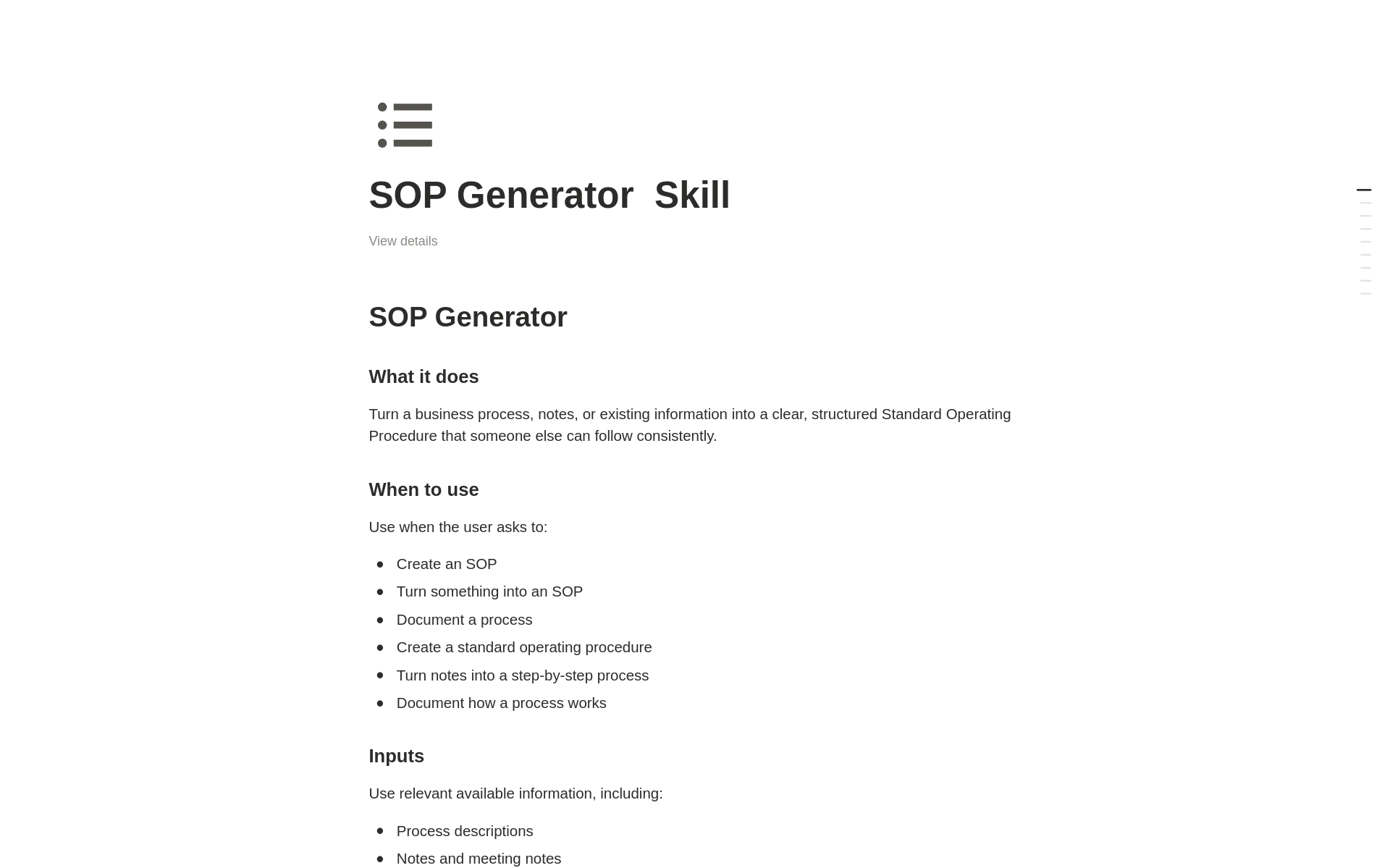
The SOP Generator Skill turns process descriptions, notes, documents, existing SOPs, and other relevant workspace information into structured, step-by-step documentation. The result can cover the process purpose, when to use it, required inputs, responsibilities, steps, decision points, expected outcomes, and important guidelines.
If a responsibility or process step isn’t supported by the source information, the Skill is designed to surface the gap instead of making one up.
Useful when: You need to document how work gets done so another person can follow it consistently.
View the SOP Generator Skill in Notion
5. Content Repurposing Skill
Creating a useful article, video, or newsletter takes work. That work can often support more than one format, but simply copying the same text everywhere rarely fits each platform.
The Content Repurposing Skill takes existing material—such as an article, newsletter, video transcript, meeting notes, or long-form post—and adapts its ideas for formats such as LinkedIn posts, X threads, social posts, or newsletters. It can suggest different content angles and hooks while keeping the original material as the source of truth.
It doesn’t publish or schedule the content. You review the drafts and decide what to use.
Useful when: You want to get more mileage from material you’ve already created without losing its meaning.
View the Content Repurposing Skill in Notion
Which one should you try first?
Start with the task that currently causes the most friction.
If deals go quiet without a clear next step, start with the Sales Pipeline Review Skill. If you want a regular view of the whole business, try the Weekly Business Review Skill. For repeat customer questions, process documentation, or turning one piece of content into several drafts, choose the matching Skill.
These Skills are meant to support your judgment, not replace it. Give them relevant context, check the result, and confirm important details before acting.
Explore more from Productive Club on the Notion Marketplace.
Original publication: Read the original article